Description
Fastmate V3 is our new streaming app for Android TV and Android phones and tablets. It does not include a streaming service.
To watch TV, you need a playlist of channels from your streaming service.
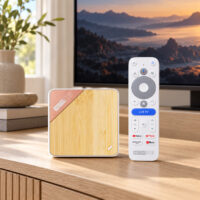
Fastmate V3 is available exclusively at Fast-Forward, for clients of Fast-Forward. It comes as two apps:
- Fastmate V3 for Android TV, Google TV and Android TV boxes
- Fastmate V3 Mobile for Android phones and tablets (Android 8 or newer)
What’s inside:
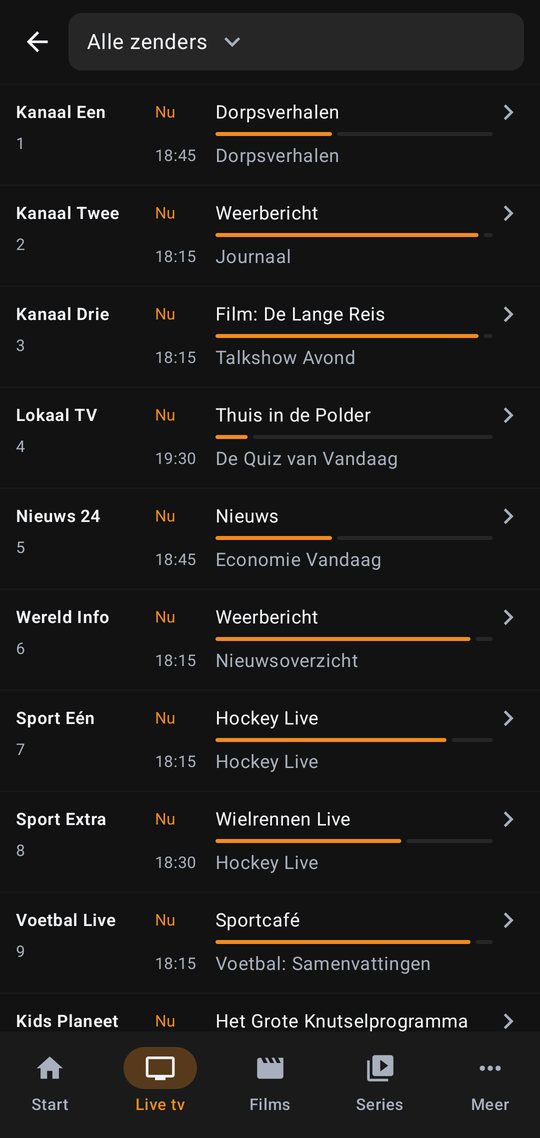
- Live TV with favourites, your own channel groups and hidden channels
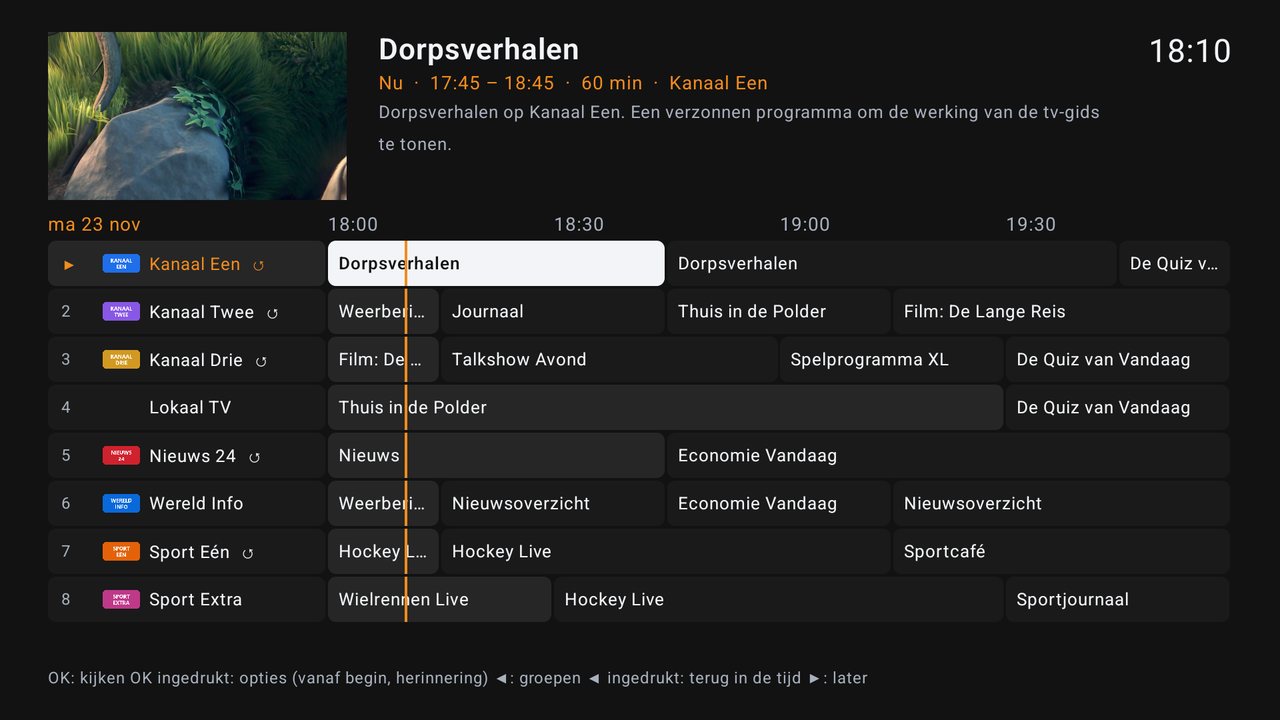
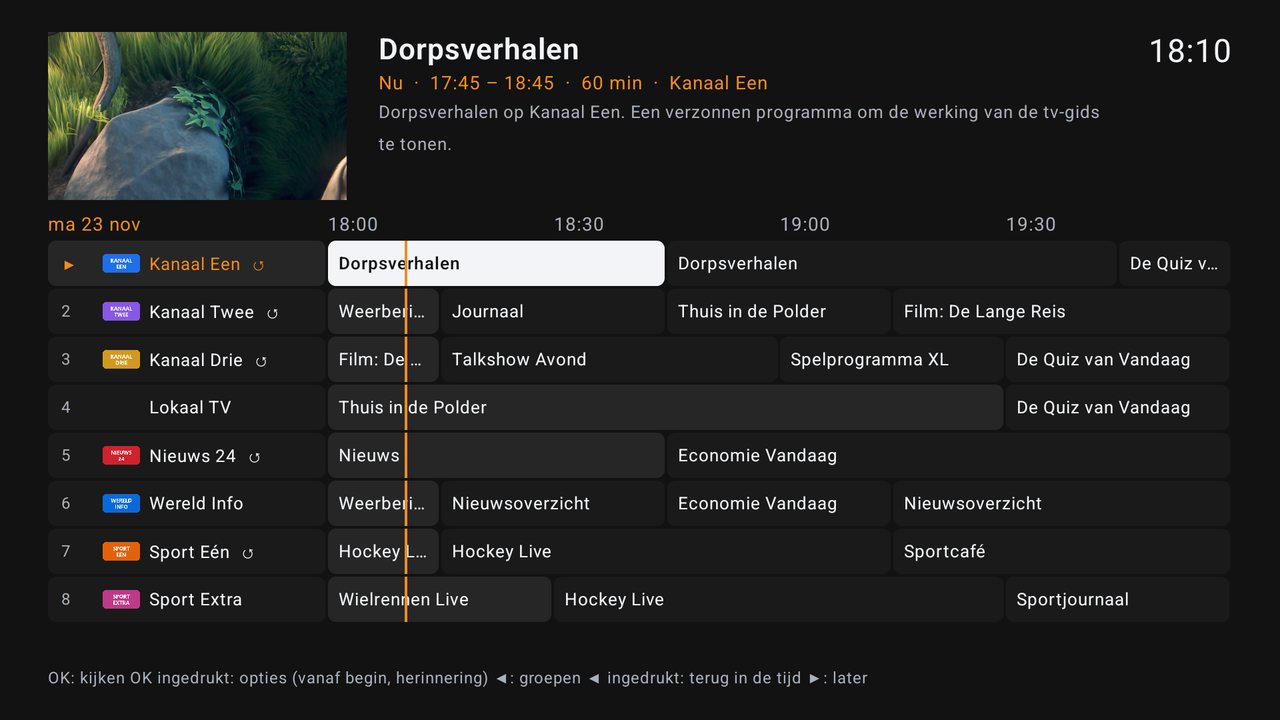
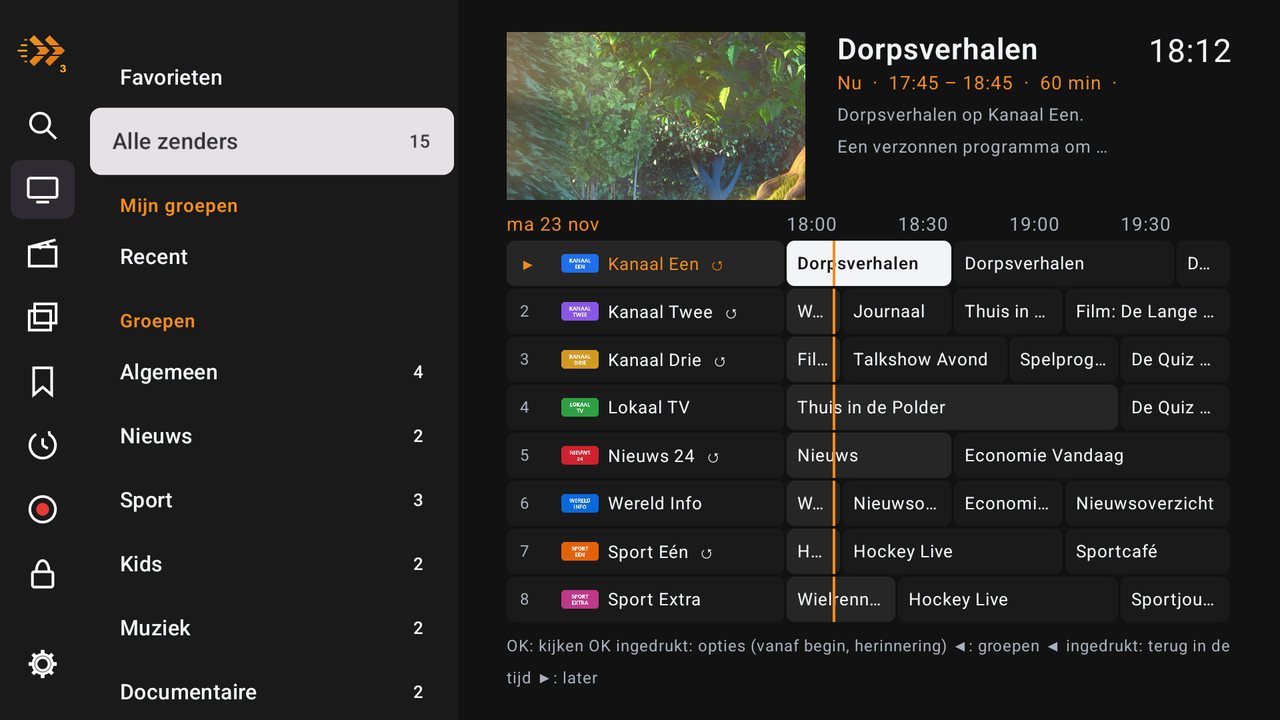
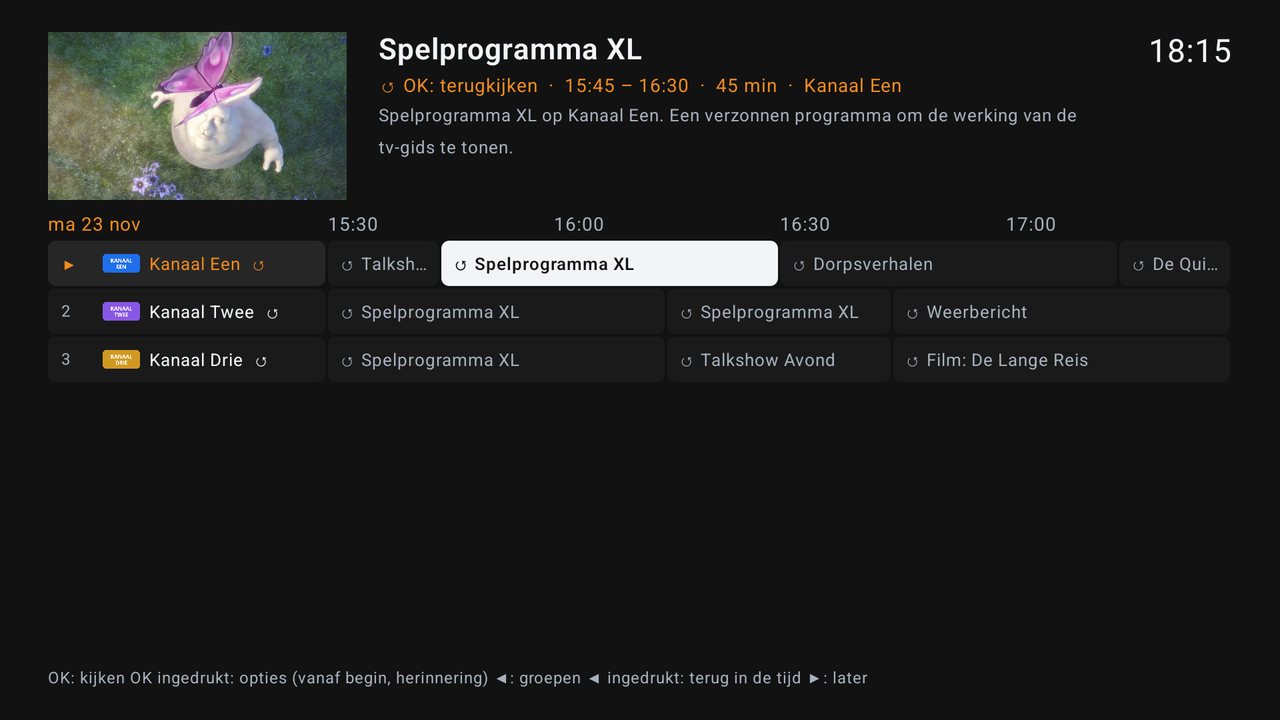
- Full TV guide (EPG), days ahead and back, with reminders
- Catch-up: watch past programmes again on supported channels
- Pause and rewind live TV (last 30 minutes by default)
- Record to the box, a USB stick or a network folder, with automatic series recording
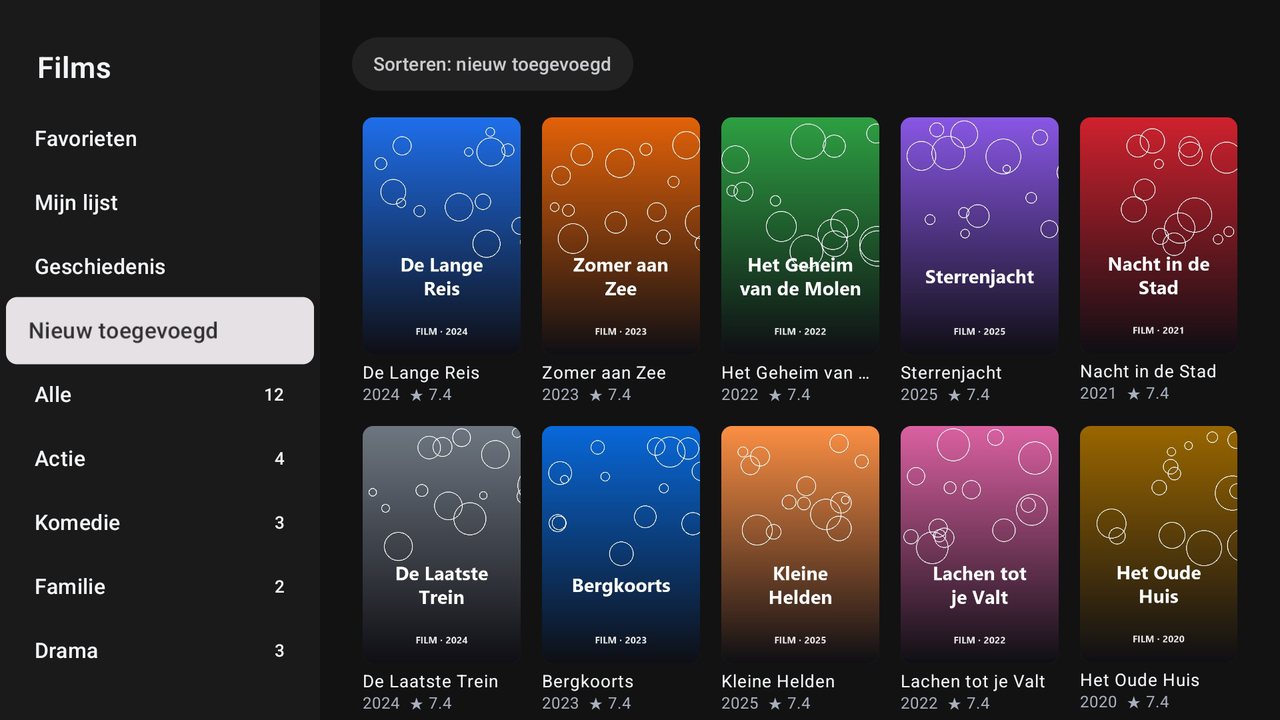
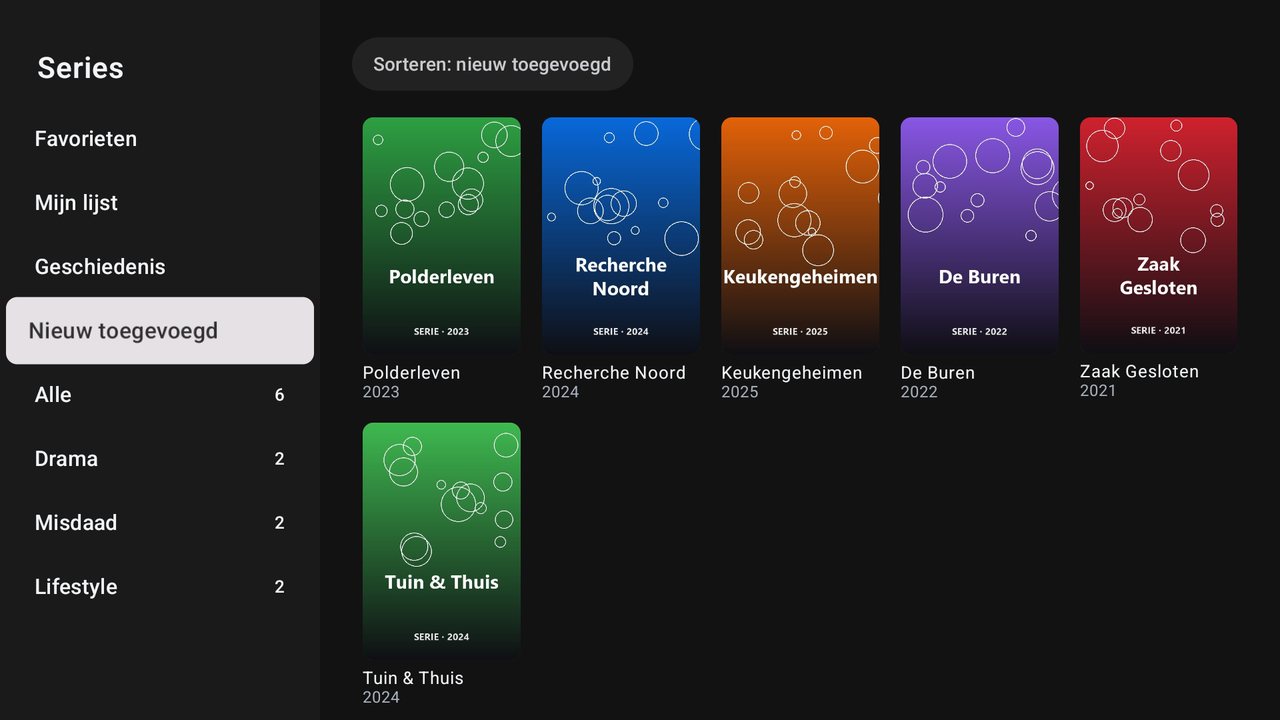
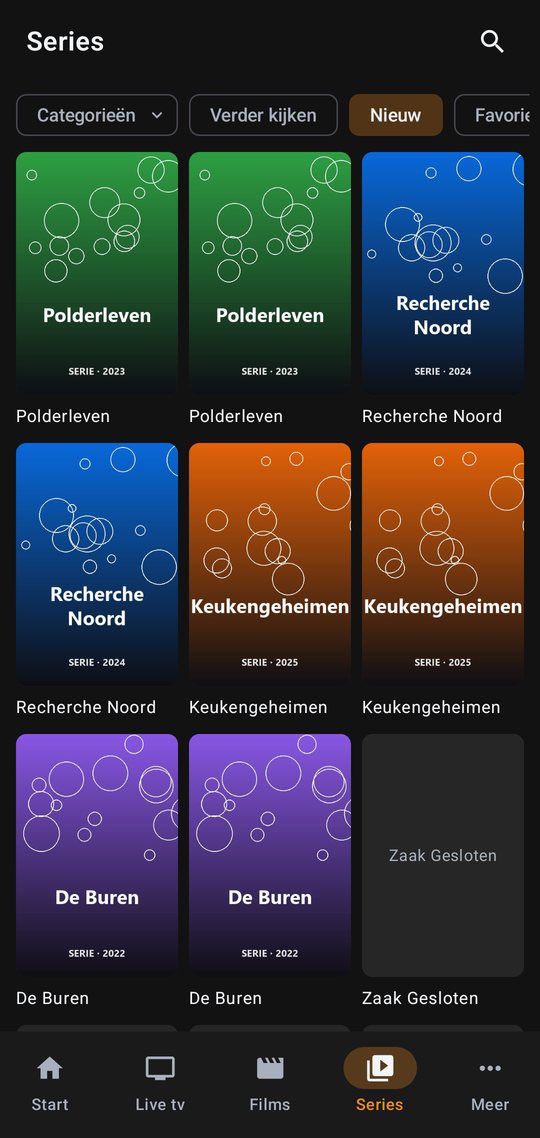
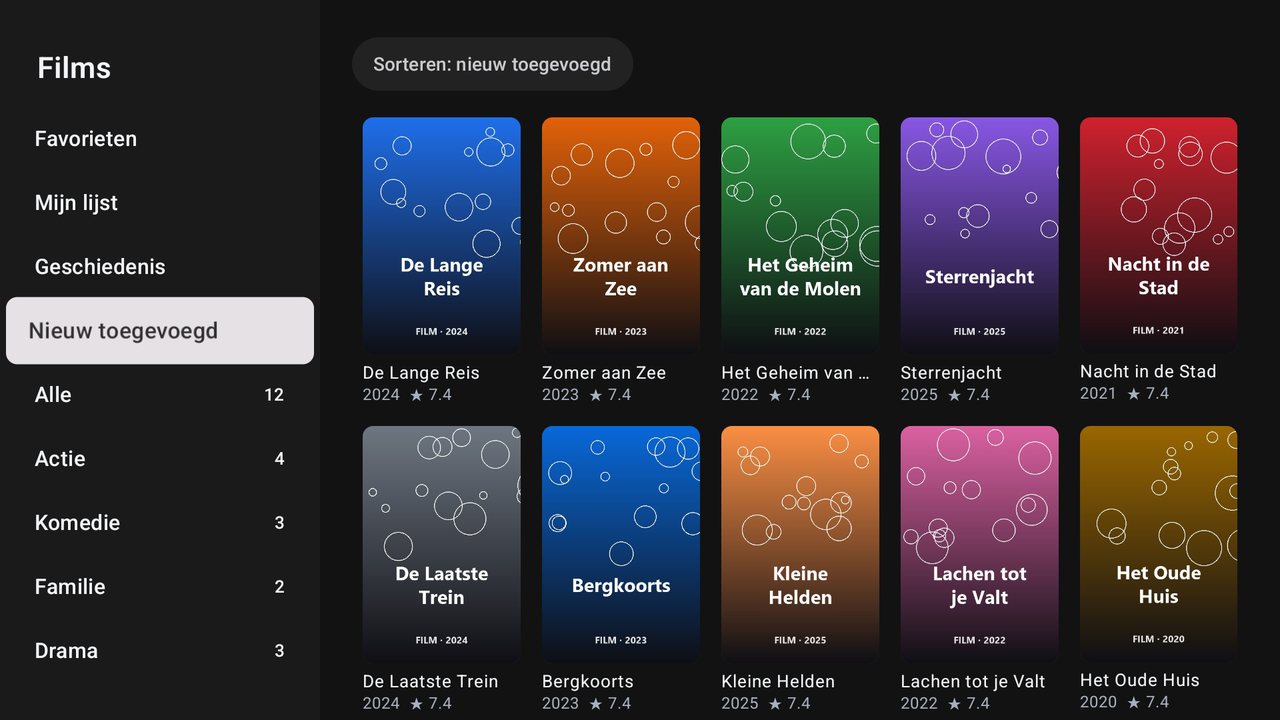
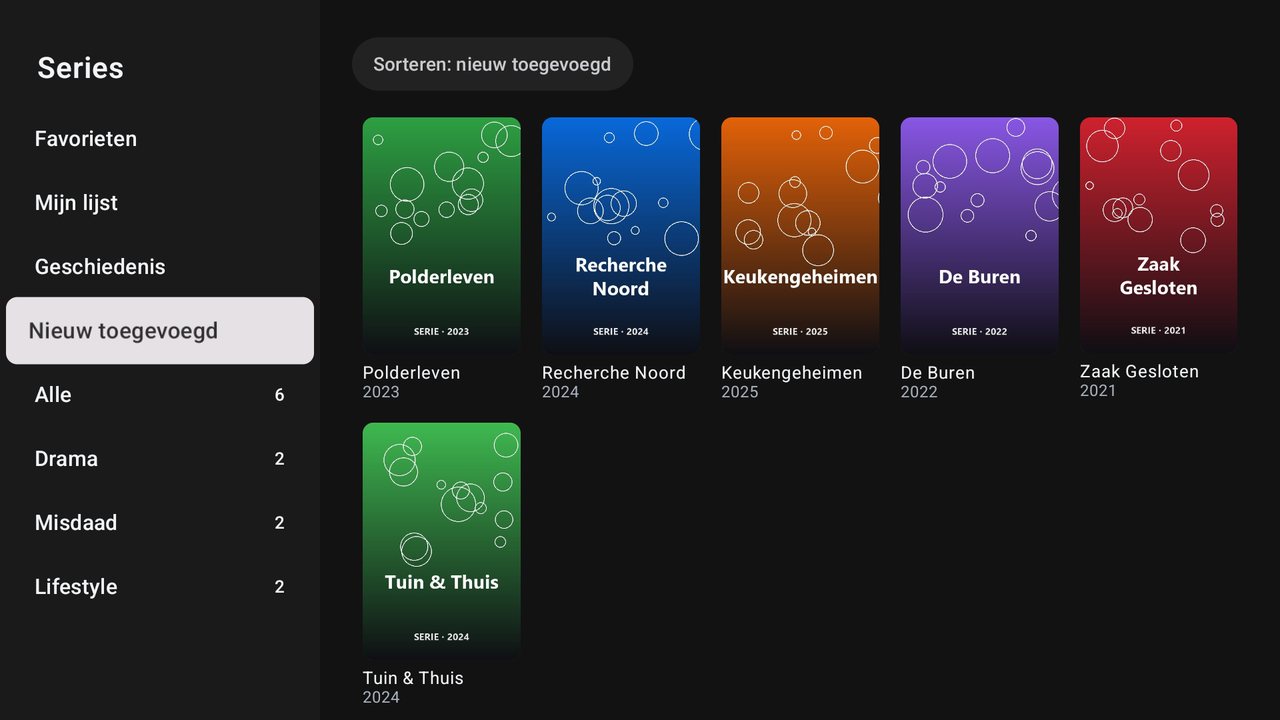
- Films and series with watchlist, history and “continue watching”
- Audio and subtitle choice, with adjustable subtitle size and colour
- Search for channels, programmes, films and series (also by voice)
- Parental control with a 4-digit PIN code
- Customise every button on your remote
- Automatic updates and backup of your favourites and settings
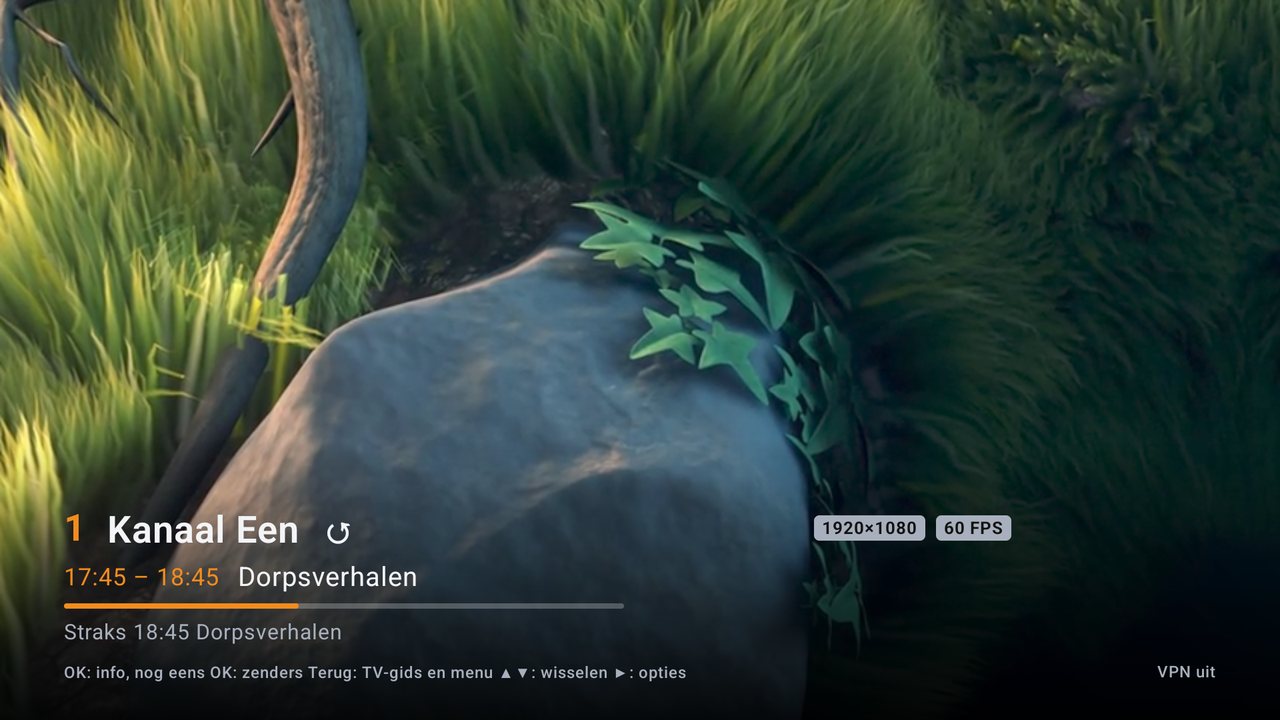
Fastmate V3 on your TV:
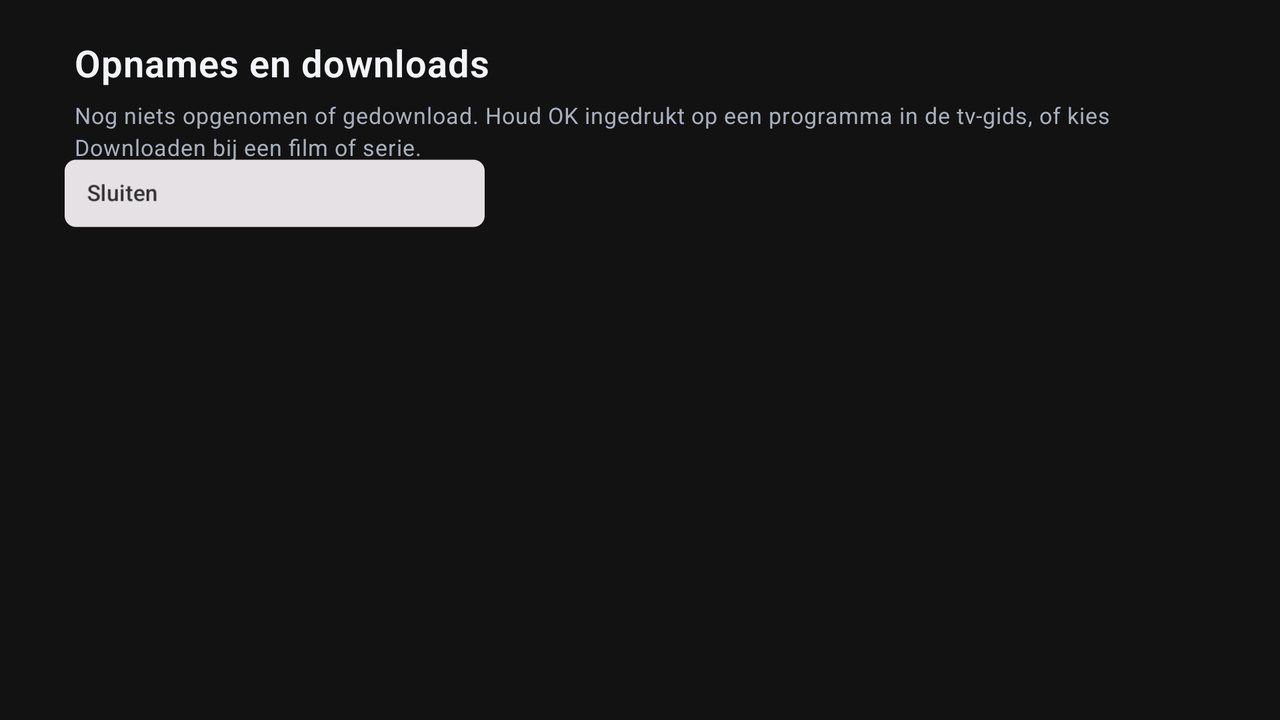
Fastmate V3 Mobile on your phone:
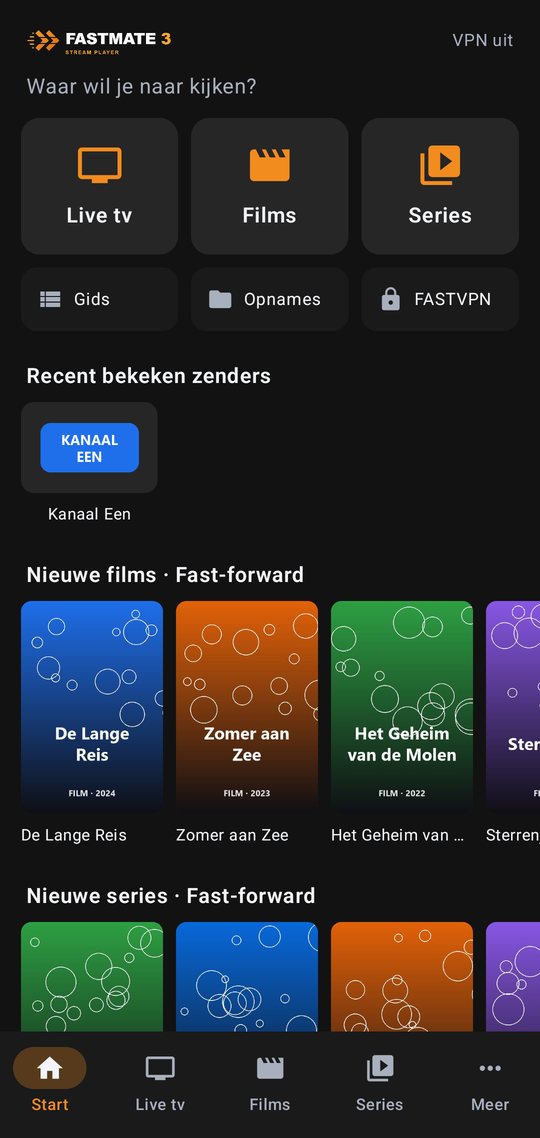
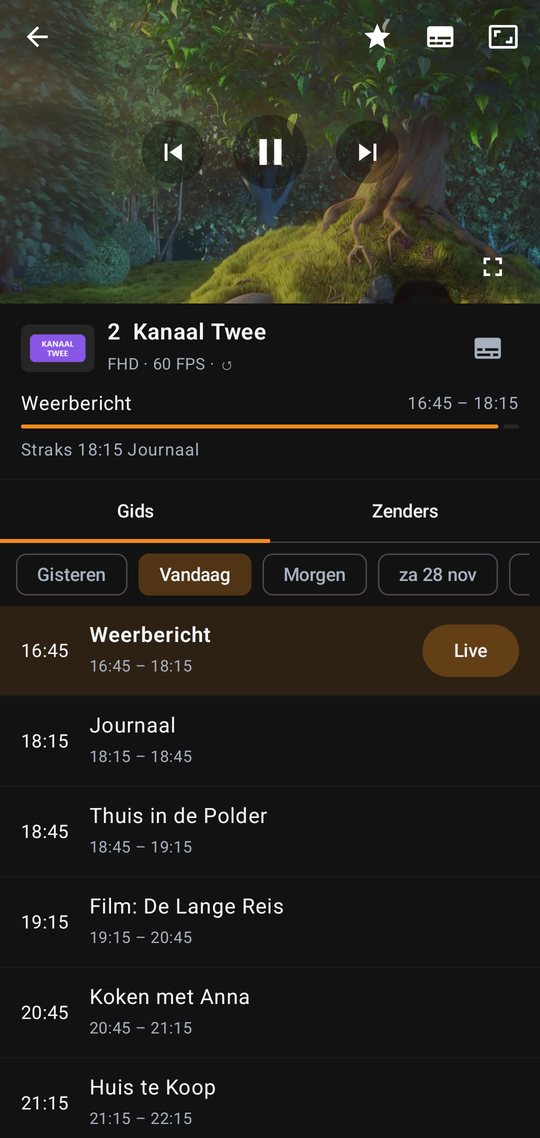
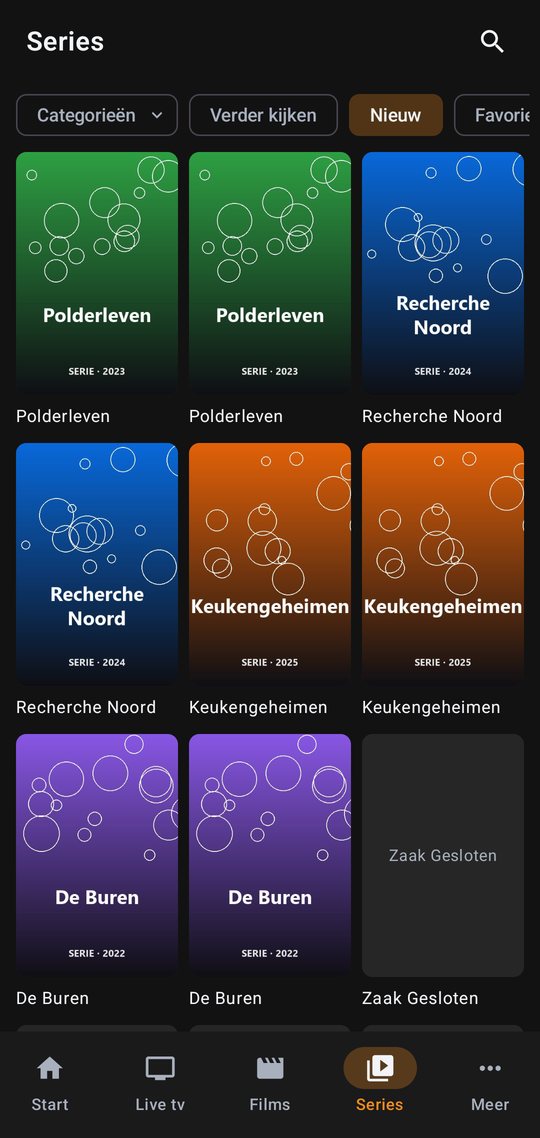
Extra privacy with FastVPN:
Open FastVPN straight from the Fastmate V3 menu. The VPN status is shown in the info bar. FastVPN needs its own licence: get FastVPN here.
How it works:
After ordering, you will receive a download link + temporary password and the manual to install the application.
On first start, the app shows an activation code. Send this code to your Fast-Forward team member and we activate the app for you. Every device (TV, box or phone) has its own code.
Read the full manual here: Fastmate V3 complete guide